
Coordinate lending tasks, approvals and document-driven work
Creditec’s workflow and document-management capabilities help lenders route applications, manage queues, assign work, enforce approval controls and keep supporting documents connected to the relevant process, customer and account.
See Workflow in Action
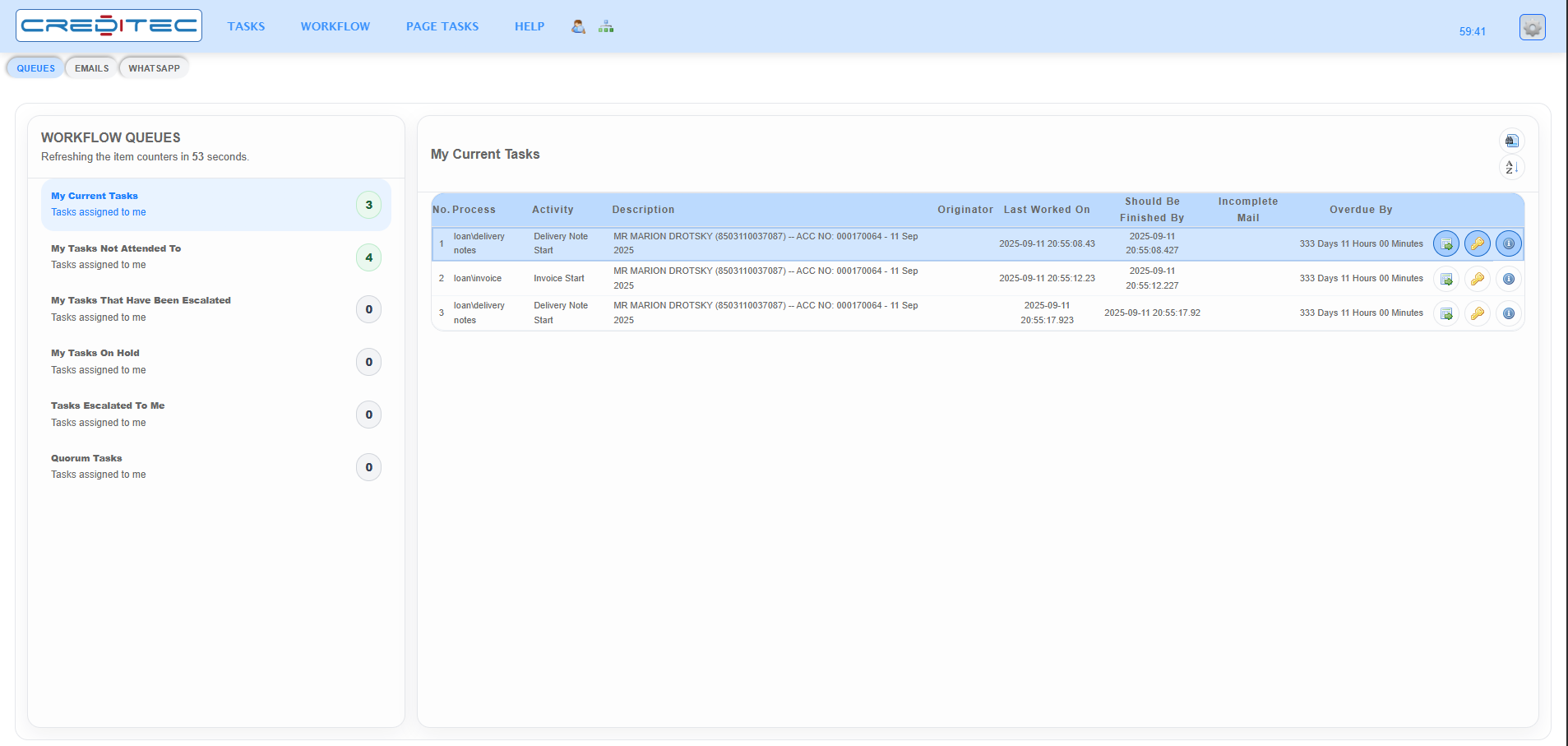
Configure lending workflows through a graphical design environment
Authorised users can model lending activities, hand-offs, approval steps, routing rules and exception paths through a visual workflow environment, making it easier to adapt origination, servicing and collections processes as requirements change.
Graphical process and activity configuration
Conditional routing and exception paths
Role, group and user allocation
Reusable activities and sub-processes
Process-specific validation and checklists
Controlled testing and deployment of process changes
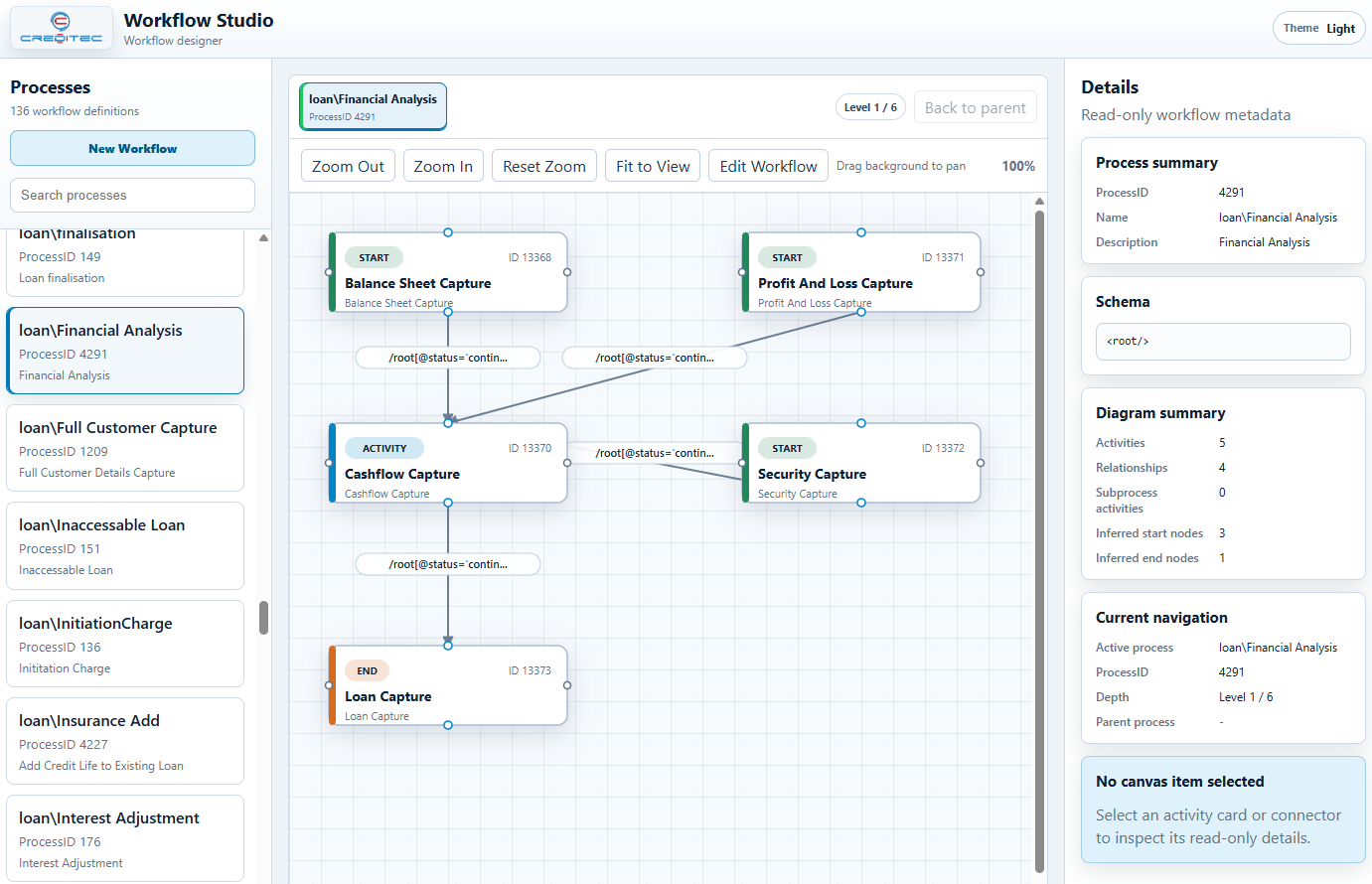
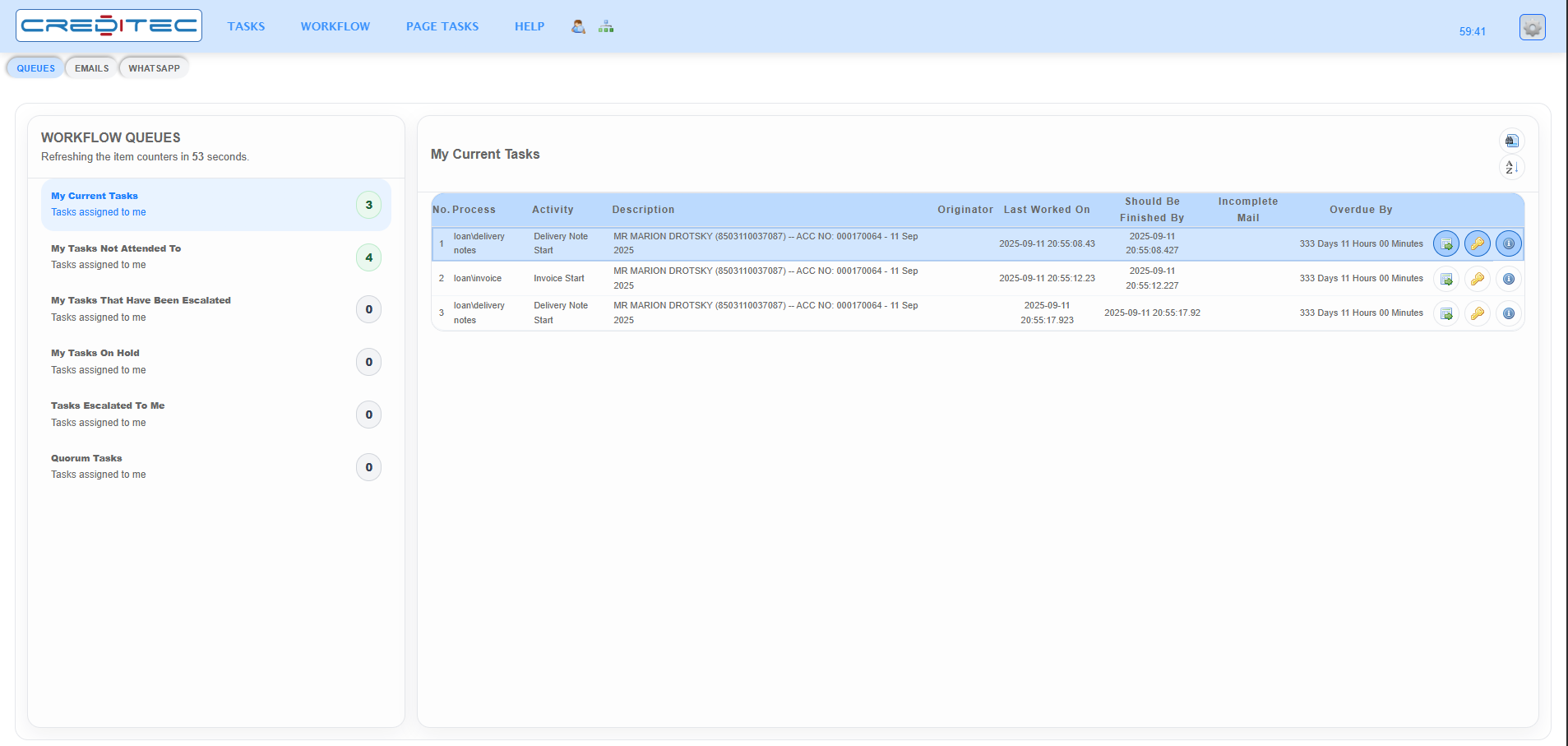
Give every task an owner, priority and history
Work queues and operational views help users focus on assigned activities while managers can monitor volumes, bottlenecks, overdue work and service-level performance.
Personal, team and specialist work queues
Automated allocation and reassignment
Due dates, service levels and escalation
Maker-checker and separation-of-duties controls
Approval mandates and exception handling
Complete process and decision history
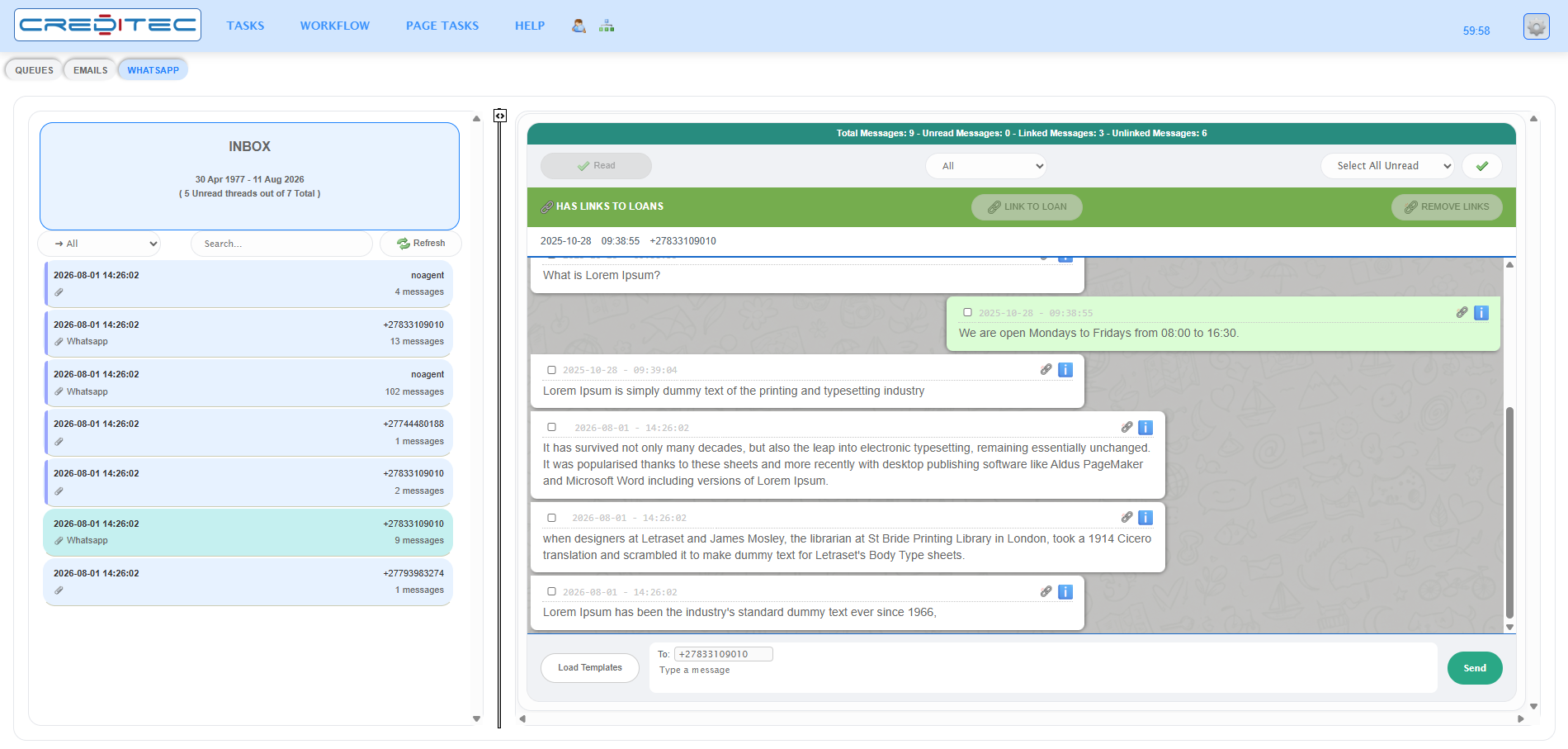
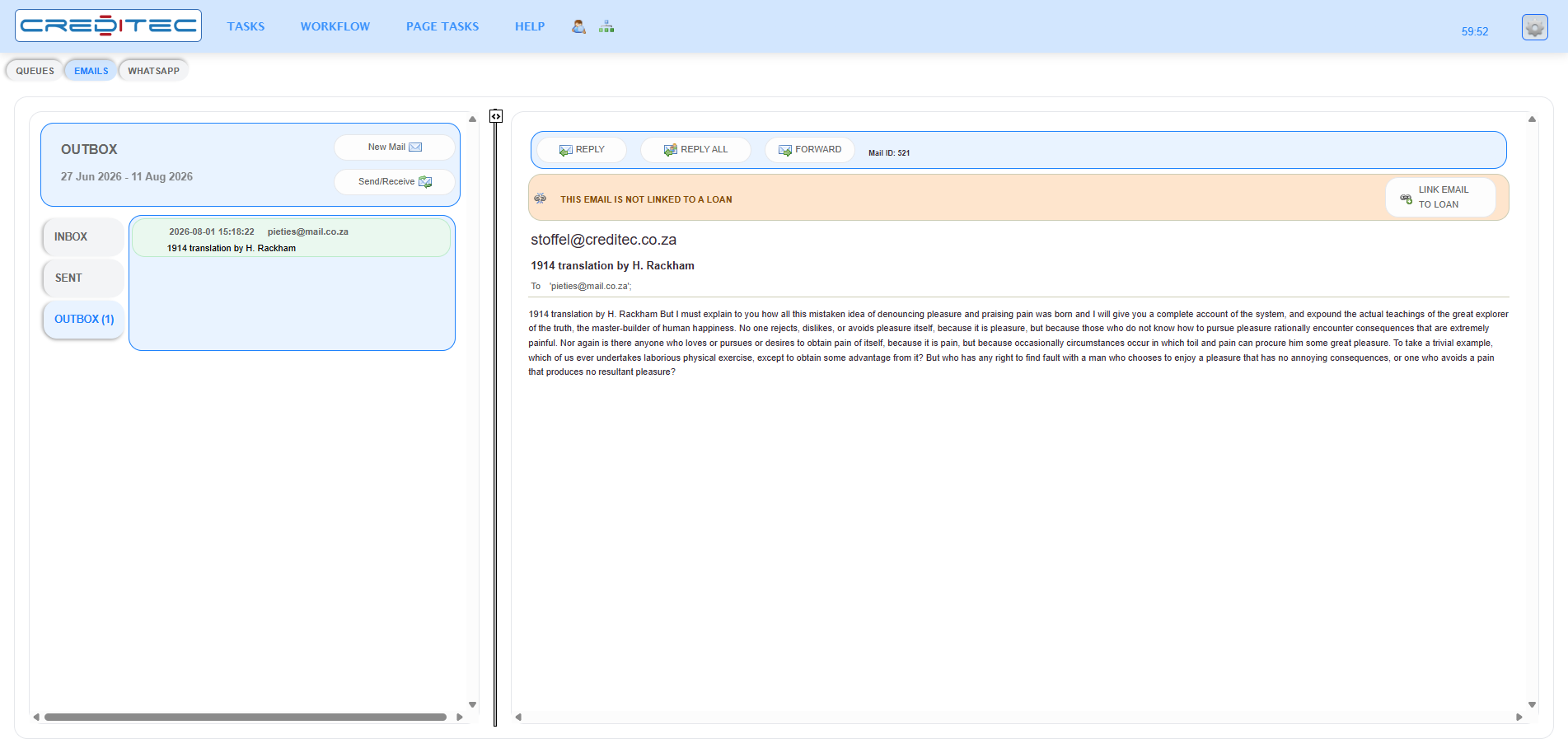
Keep email and WhatsApp conversations linked to the loan record
Email and WhatsApp conversations can be managed alongside workflow activity, giving users richer case context while keeping customer interactions connected to the relevant loan record.
Two-way WhatsApp conversations inside the operational workspace
Linking or unlinking messages to the relevant loan record
Email inbox and outbox views available within the same platform
Internal users can respond while maintaining case context and operational history
Capture, generate and retrieve documents in context
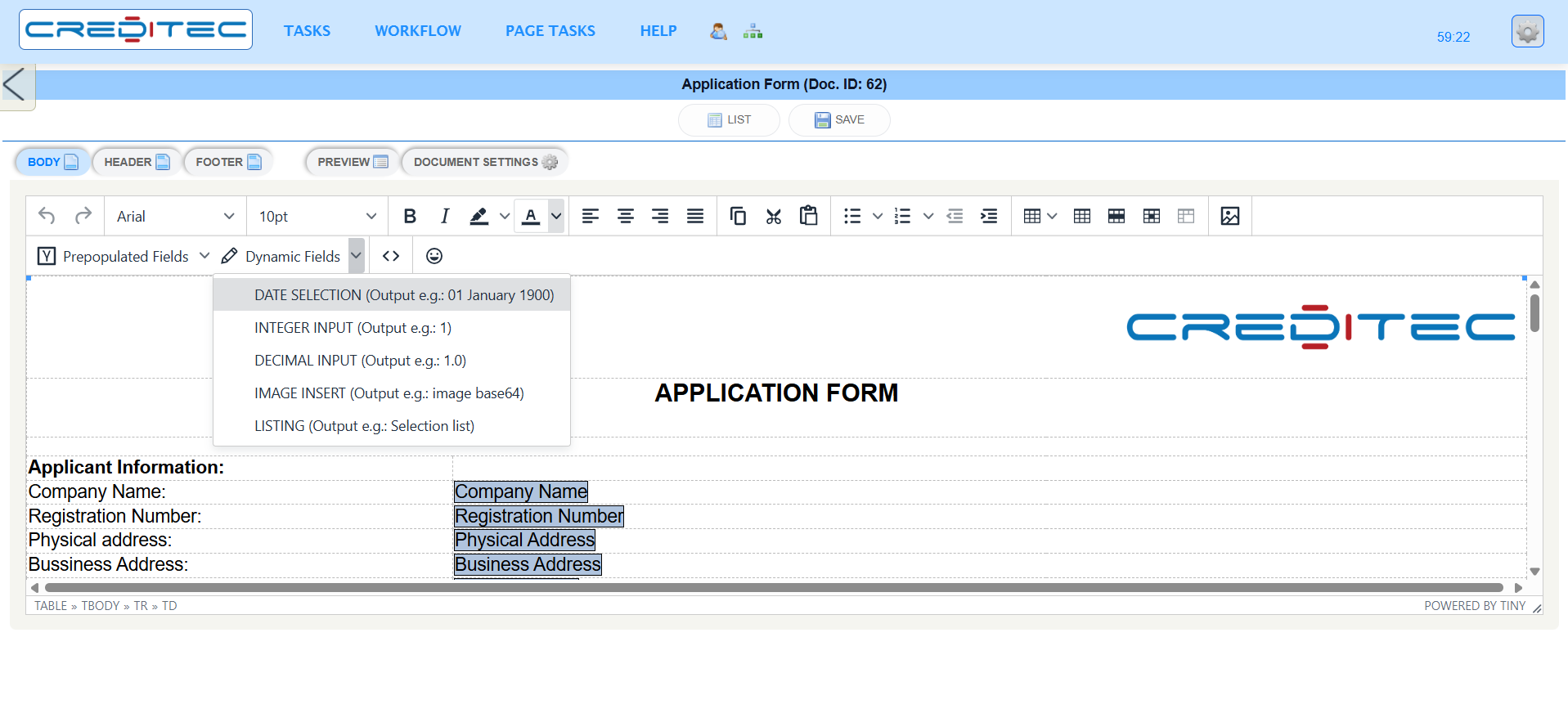
Keep documents linked to the relevant customer, application, workflow activity or loan account so users can retrieve information in context, generate output consistently and maintain a clearer operational record.
Document capture and upload
Document classification and indexing
Required-document checklists
Template-based document generation
Document status and retrieval
Process and document activity history
Turn workflow activity into management information
Operational reporting provides managers with visibility into workloads, turnaround times, service levels, exceptions and user activity across lending operations.
Volumes by process, activity, team and status
Turnaround-time and service-level reporting
Bottleneck and ageing analysis
Rework, rejection and exception trends
User and team activity views
Data exports for further reporting and analysis
See how your lending process can be represented in Creditec
A demonstration can show how activities, responsibilities, documents, controls and service levels are configured within the workflow environment.